Description
The A3 thinking method, made simple in Excel.
Toyota’s A3 problem-solving methodology is the backbone of Lean continuous improvement — a single A3-sized sheet that walks a problem from background to root cause to countermeasures to follow-up. The challenge most people hit is formatting. You either spend an hour wrestling with PowerPoint, or you use a Word template that doesn’t fit a printable A3 page.
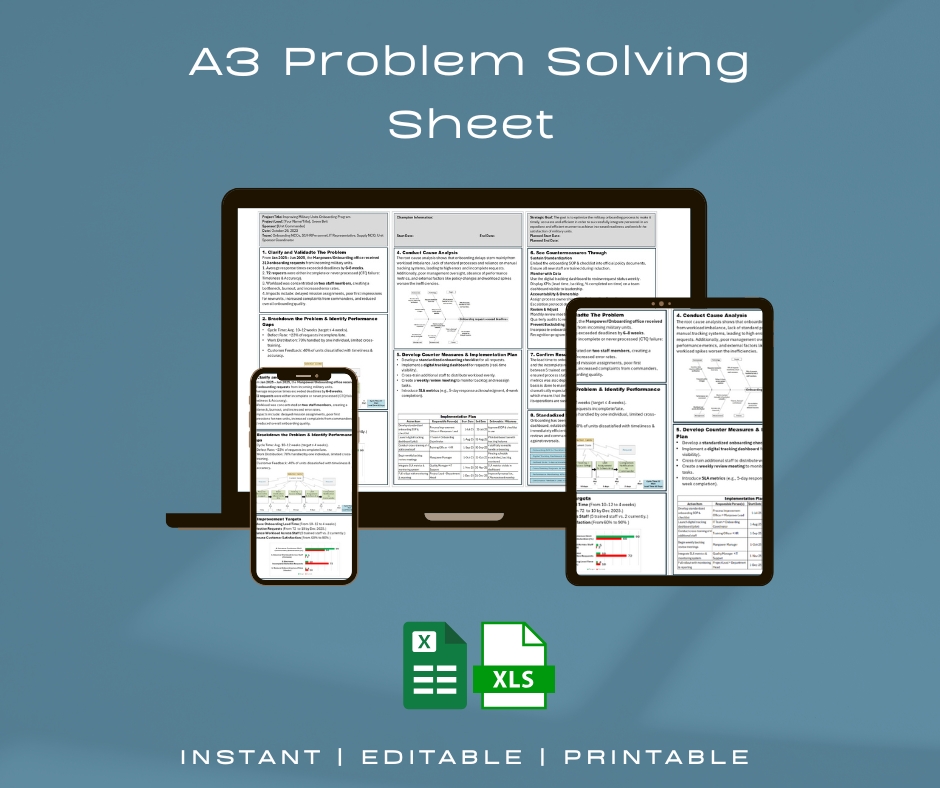
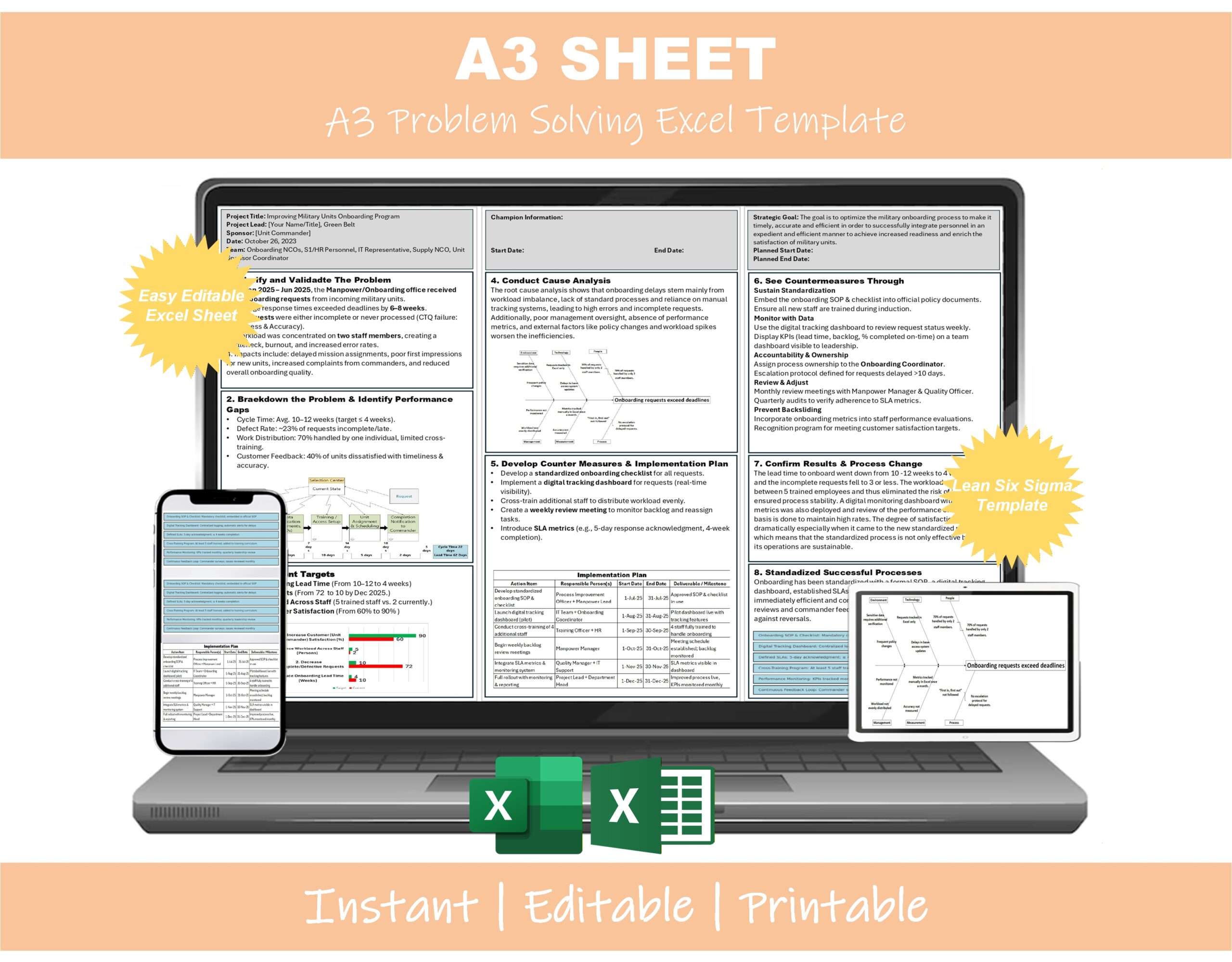
This A3 Problem Solving Template fixes that. It’s a clean, editable Excel template structured around the Toyota A3 framework, with every section pre-laid-out and ready to fill in. Print it on A3 (or 11×17), pin it in your team area, and use it as the single source of truth for your Lean project.
What’s included in the A3 template
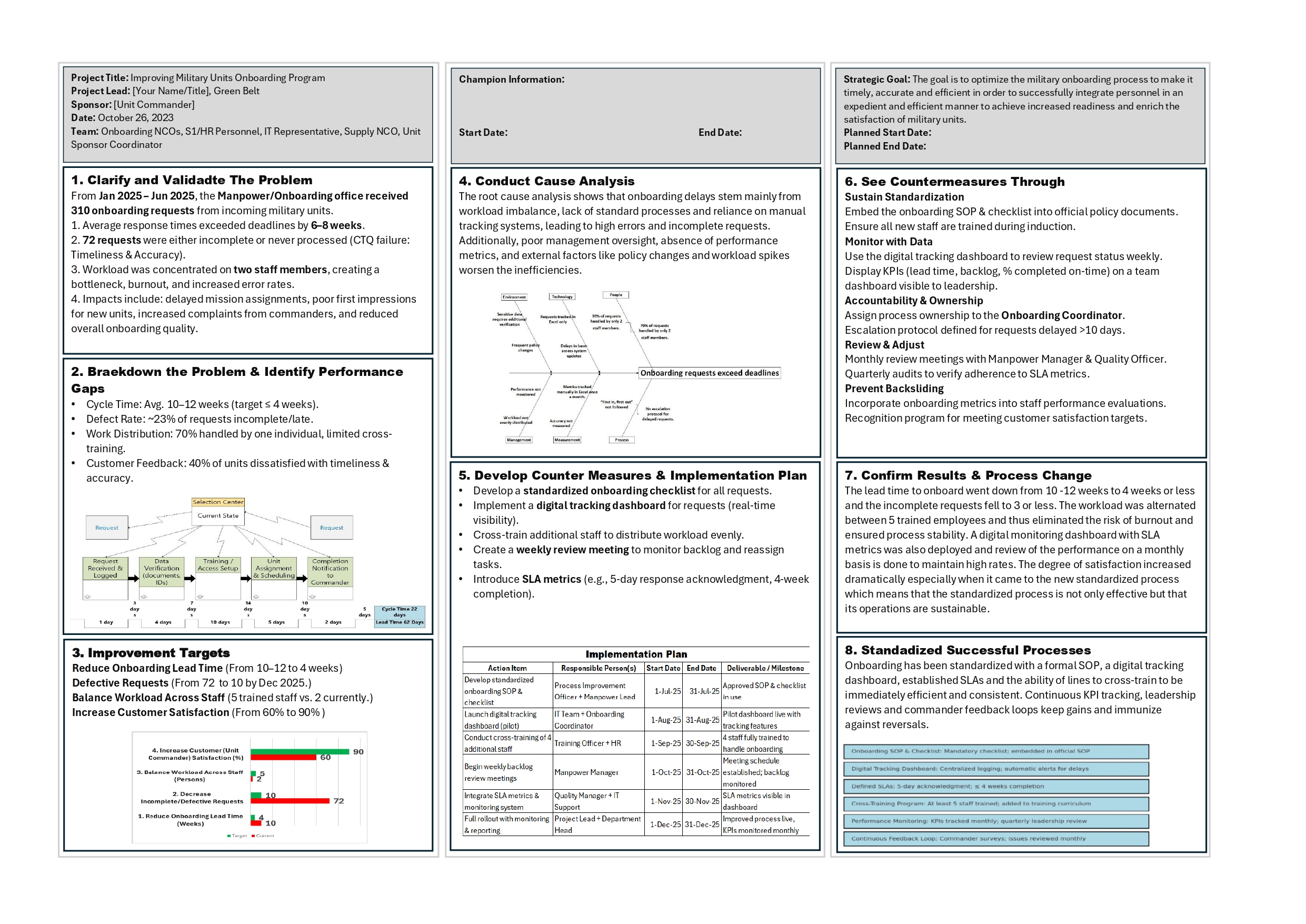
📄 Full A3 layout (left side — the problem)
- Title and Owner block with project name, owner, sponsor, date
- Background — why this problem matters, business context
- Current Condition — facts, data, current process map space
- Goal / Target Condition — measurable target with timeline
- Root Cause Analysis — built-in 5 Whys ladder + space for fishbone
📄 Full A3 layout (right side — the solution)
- Countermeasures — proposed solutions linked to root causes
- Implementation Plan — actions, owners, dates, status
- Follow-up / Confirmation — how you’ll verify the fix worked
- Lessons Learned — yokoten / horizontal sharing notes
🧮 Built-in tools
- 5 Whys Ladder that auto-numbers as you fill it in
- Action Plan tracker with owner, due date, and RAG status
- Before / After metrics comparison table
- Sign-off block for sponsor and team approval
🎨 Format options
- Single-page A3 horizontal layout (the classic Toyota format)
- A4 / Letter alternative for desk use
- Color-coded section headers (editable to match your company brand)
- Print-ready — designed to print on A3 or 11×17 without cutoff
Who this A3 Problem Solving Template is for
- Lean Six Sigma Green Belts and Black Belts documenting projects
- Kaizen event leaders capturing event outcomes on a single page
- Continuous improvement managers standardizing problem-solving across teams
- Manufacturing engineers running shop-floor problem-solving
- Operations and quality teams documenting root-cause analyses
- Lean coaches and consultants teaching A3 thinking to clients
- Engineering students learning the A3 methodology
Why this A3 template beats building your own
- Toyota-aligned structure — follows the original Pascal Dennis / John Shook A3 layout
- Editable in Excel — no Word reformatting headaches, no PowerPoint shape pain
- Print-ready A3 layout — fits a standard A3 / 11×17 sheet cleanly
- Built-in 5 Whys and action tracker — not just a blank form
- Designed by a Lean practitioner — based on real shop-floor A3 reports
- Instant digital download — start using it in five minutes
Frequently asked questions
Q: Does the A3 template work in Excel for Mac? A: Yes — the template uses standard Excel formatting that works in Excel for Windows, Mac, and Excel for Web. No macros required.
Q: Can I print this on a regular printer? A: Yes. The template is sized for A3 / 11×17 printing on shop-floor printers, but you can also print it scaled-to-fit on standard A4 / Letter for desk reference.
Q: Is this the Toyota A3 format or a generic problem-solving template? A: It follows the classic Toyota A3 thinking structure — Background, Current Condition, Goal, Root Cause Analysis, Countermeasures, Implementation Plan, and Follow-up. The exact same flow you’ll find in books like Managing to Learn (John Shook) and Getting the Right Things Done (Pascal Dennis).
Q: Can I customize sections for my industry or company? A: Yes. Every section header, color, and layout element is editable. You can add your company logo, change the section names, and adjust the layout for healthcare, services, software, or any non-manufacturing context.
Q: Will this work for Kaizen events? A: Yes — many users use this A3 template as the standard write-up format for Kaizen event outcomes. The structure forces a clear before/after view of the problem.
Q: What’s the difference between this and the A3 in your DMAIC Toolkit? A: The DMAIC Toolkit includes a basic A3 sheet alongside 30+ other tools. This standalone A3 template is more detailed — built-in 5 Whys ladder, action plan tracker, before/after metrics, and multiple format options. If you only need the A3, this is the right pick. If you need the full DMAIC project toolkit, get the toolkit.
Q: How do I receive the file after purchase? A: Instant download link by email, plus access in your account area.
Q: Is there a refund policy? A: Yes — 7-day money-back guarantee.
Related Lean Six Sigma tools
The A3 Template is often used alongside:
- DMAIC Toolkit — full Lean Six Sigma project toolkit
- 7 QC Tools Excel Template — Pareto, fishbone, control charts for the root cause section
- Value Stream Mapping Excel Template — for the current condition section
- 5S Checklist for Offices — for workplace organization A3s
Click “Add to cart” above to download the A3 Problem Solving Template instantly.


Reviews
There are no reviews yet.